


Galleries
What's the next best thing to getting out there and catching the fish of your dreams, well maybe it's looking at superb pictures of fish you would like to catch.
There are galleries featuring our consultants, some lovely scenics, and other compilations from the world of angling.
So take a few minutes out, relax, maybe get a drink and put on your favourite CD, then click your way through these galleries. Enjoy!
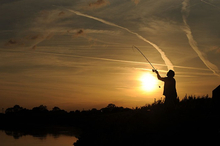
There's more to this fishing lark than just the catching, although that's nice! There can be a lot of enjoyment from just being there, watching, waiting, soaking up the atmosphere, until that alarm sounds or that float dips... Hopefully these pictures from consultant Brian Skoyles will remind you of some of your special moments!
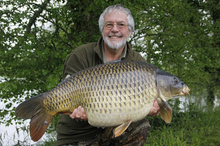
Every year has it magic moments, its highs and lows. 2012 has been kind to Carp Consultant Brian Skoyles as the selection of pictures illustrates.
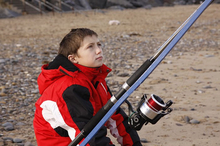
A selection of images from the Daiwa Junior Open Sea Angling Championship 2012.
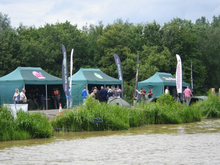
A selection of images from the Carpfest 2012 roadshow that saw the Daiwa team visit Layer Pits, Linear Fisheries and Cudmore.
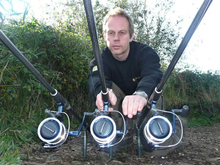
Camera ace Graham Drewery shows there is more to angling photography than just catch shots. Take a look at some of his favourite pictures.
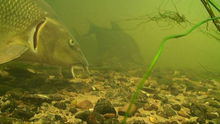
A chance to enter the world of the barbel with snapshots from the underwater filming of the Barbel Days and Ways DVD with Bob Roberts and Stuart Walker.
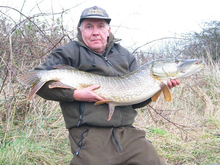
A selection of Nev's favourite pictures from the world of predator fishing
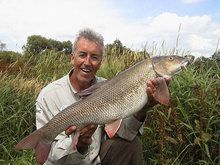
Join all rounder Bob Roberts for a look at his travels around the globe and some of the fantastic fish he has caught along the way.
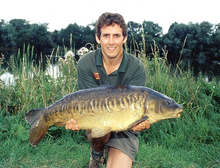
Martyn takes a look at some of his carp angling highlights as well as catches of other species.
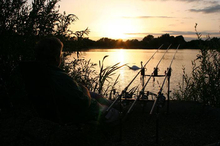
Sometimes we get lucky, Not just with the fish we catch, but also the conditions we fish in. These scenic shots say it all. Relax and enjoy!